
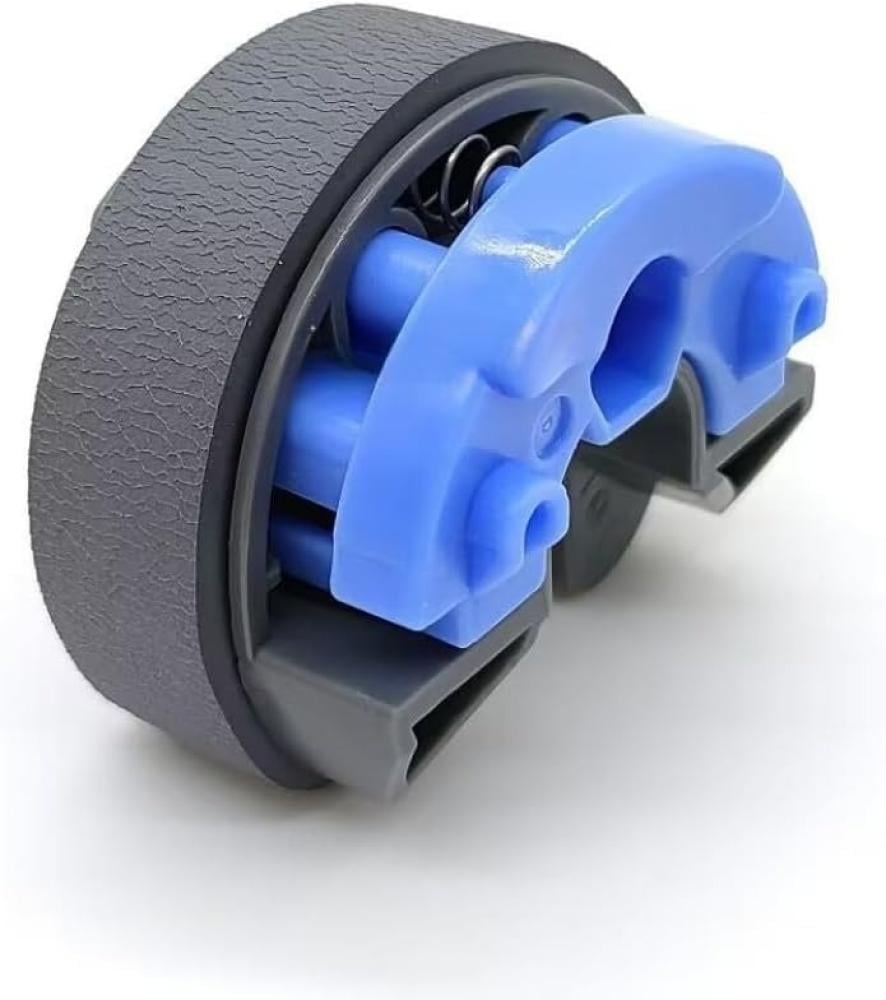
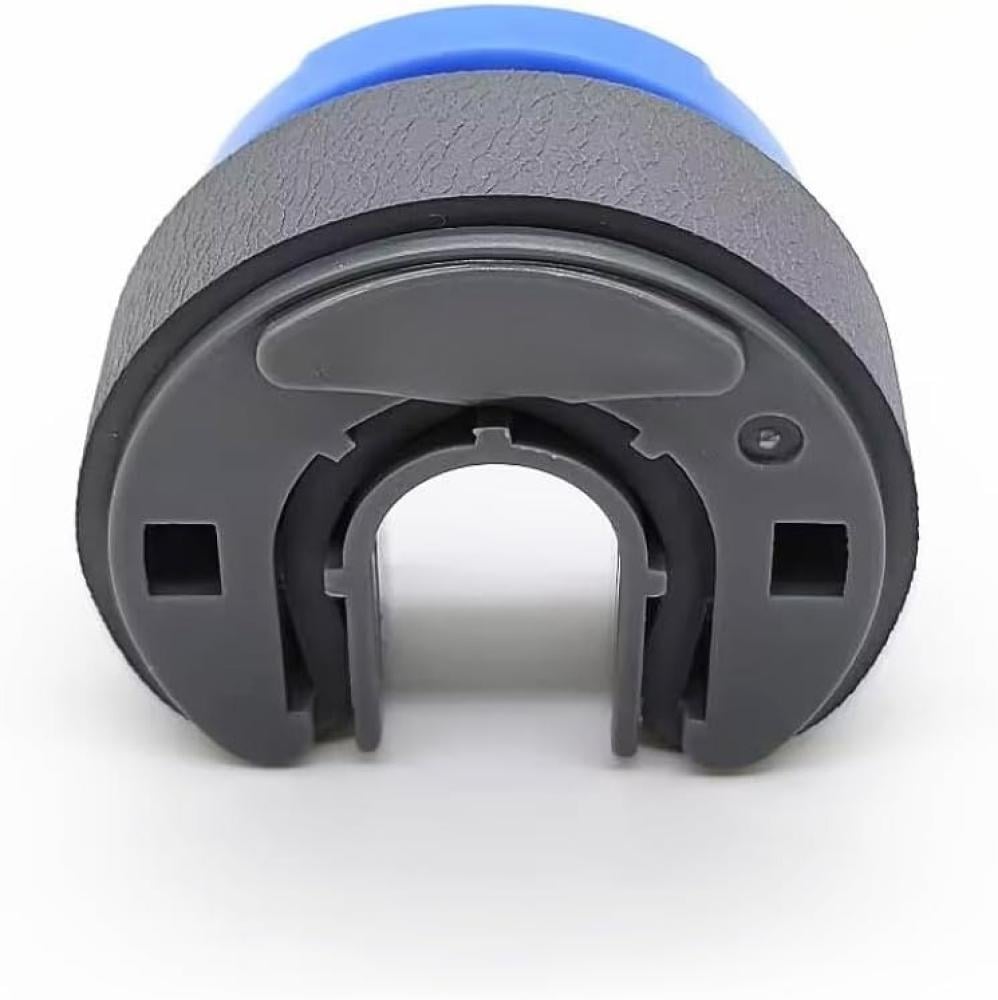
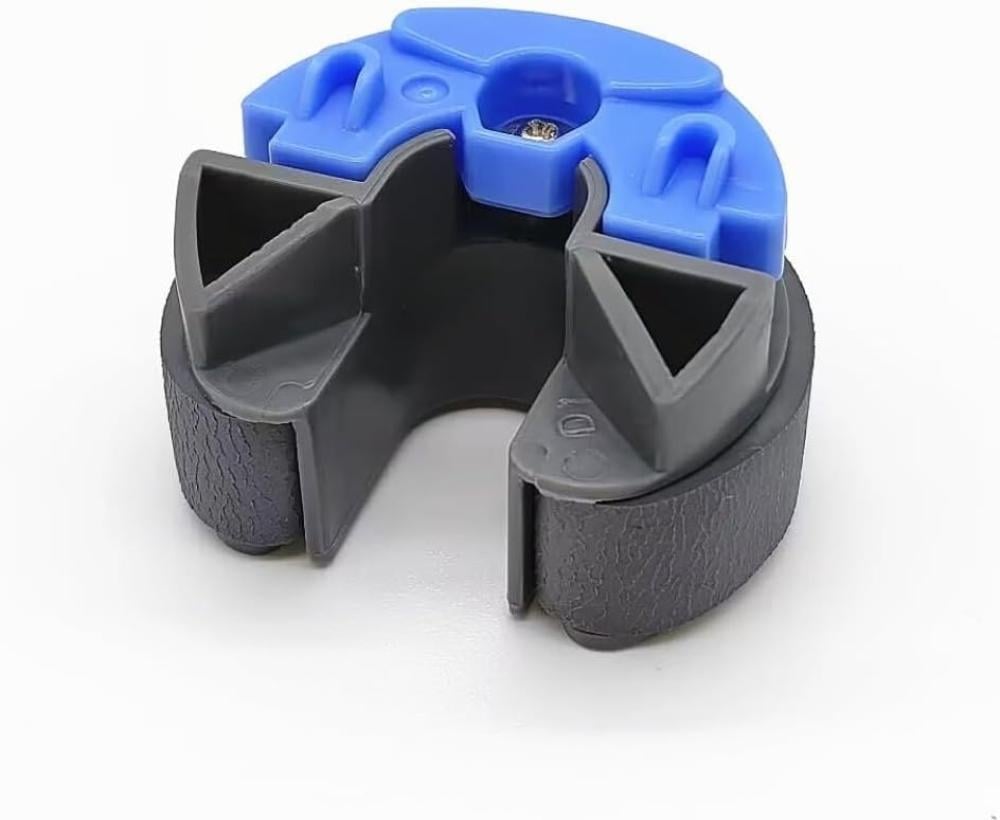
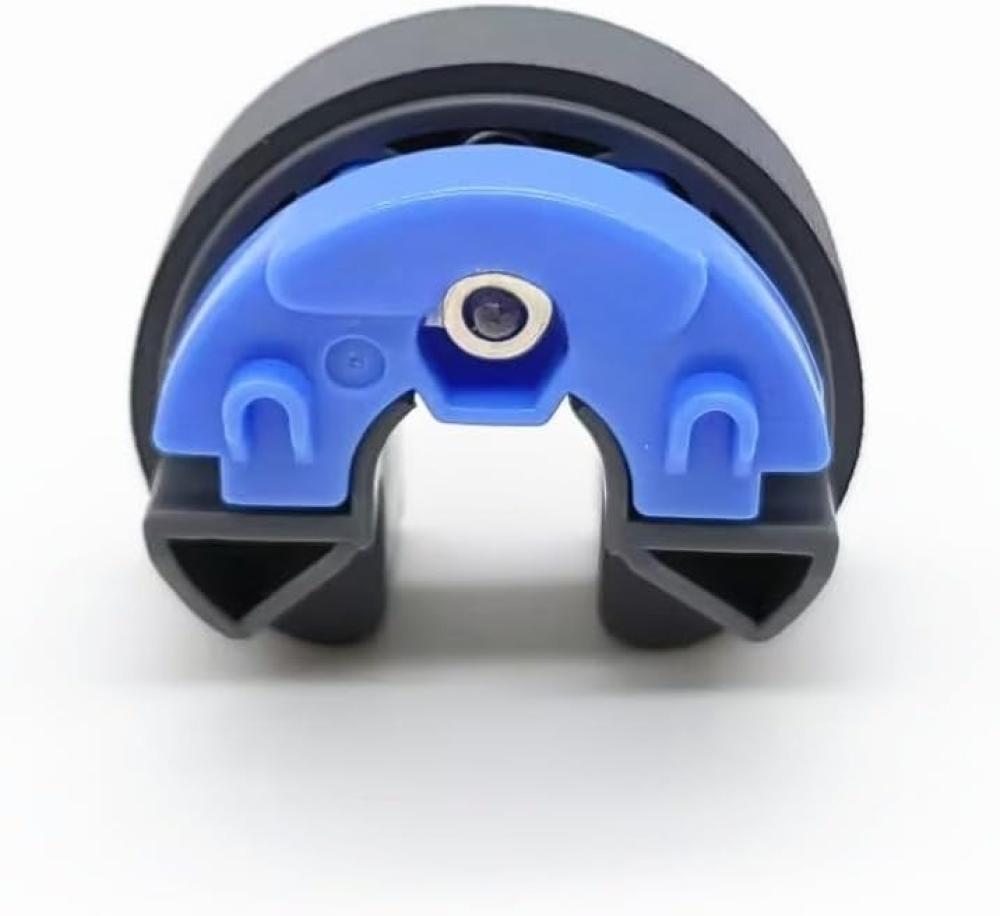
The paper feed roller in the Epson EcoTank L8050 printer is a crucial component that pulls paper into the printer. With use, it can become dirty or worn, causing problems such as paper not feeding or feeding more than one sheet at a time.
Quick Fixes:
Clean the roller with a slightly damp cloth.
Use clean, dry paper.
Replace the roller if the problem persists.
How to Change the Paper Feed Roller:
Turn off the printer and unplug it to ensure safety.
Open the printer cover and locate the roller (usually near the paper inlet).
Locate the rubber roller; it will be attached to a small rod.
Remove the old roller by pressing the clip or gently pulling it out, depending on the design.
Install the new roller; secure it firmly in the same position as the old one.
Turn the printer back on and try printing to confirm the problem is resolved.
Compatible Models:
L8050, L18050