Add to Favorites

Key Whistle for Epson Printers

VAT Inclusive

12.26 USD

After successfully completing your purchase, go to the "My Orders" section of your account on the website and find the order number. Upon accessing the order details, you will find the "Reset Code" within the order.


Important Note: After resetting the printer, it is recommended to replace the ink absorbent pad to prevent ink leakage from the waste bin inside the printer.


Description

  • WIC Ink Waste Counter Reset Utility for Epson Printers
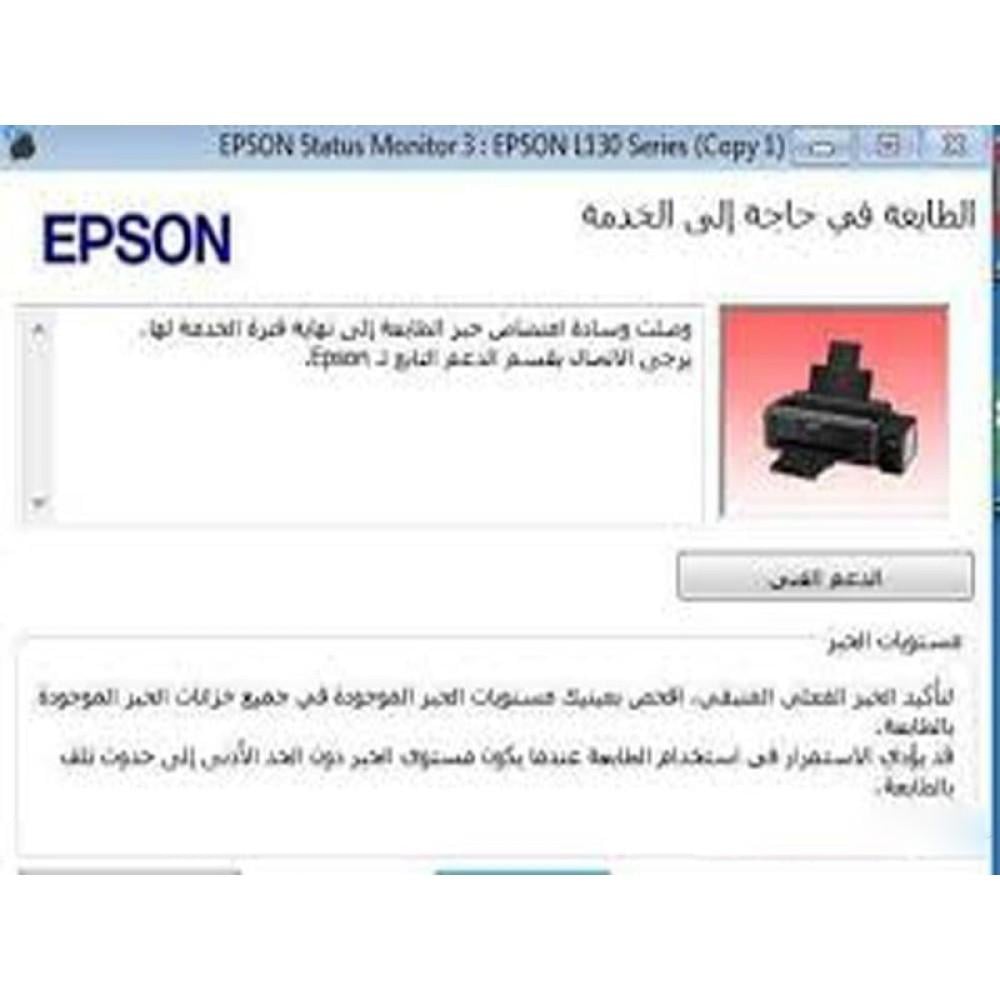
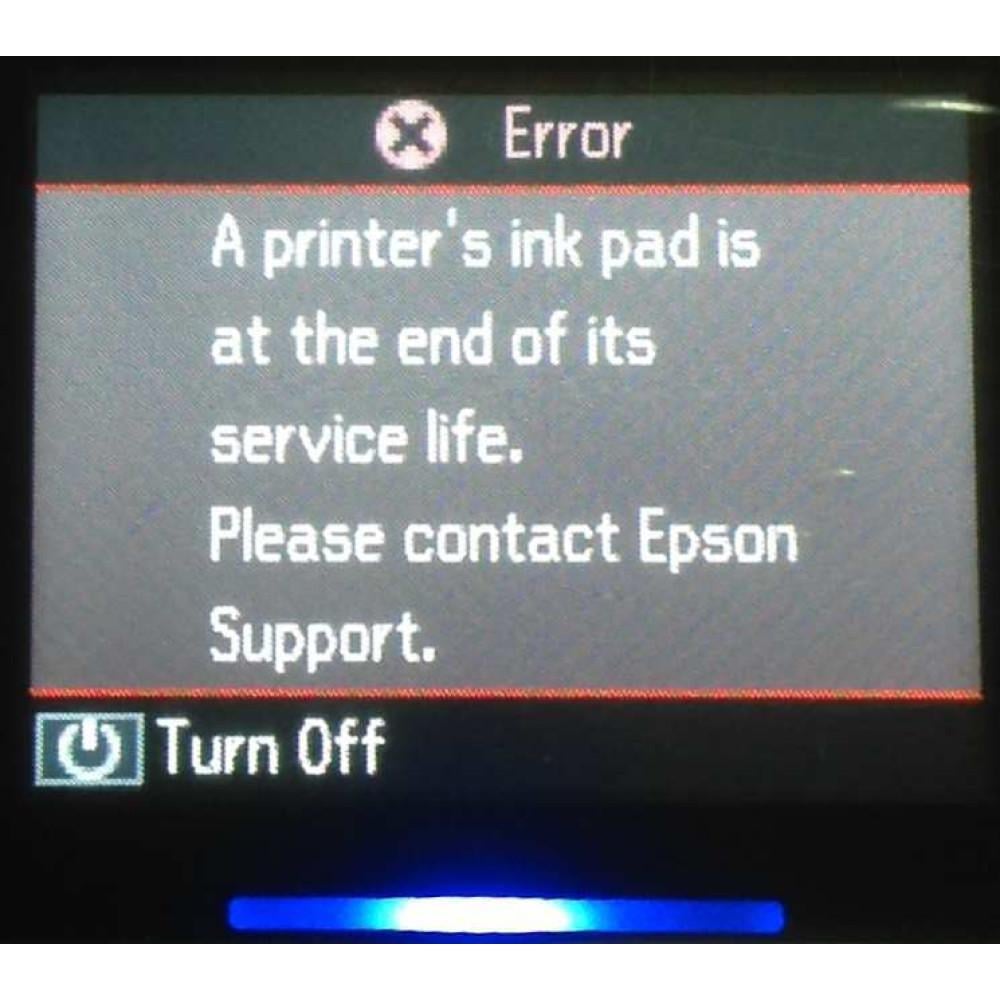
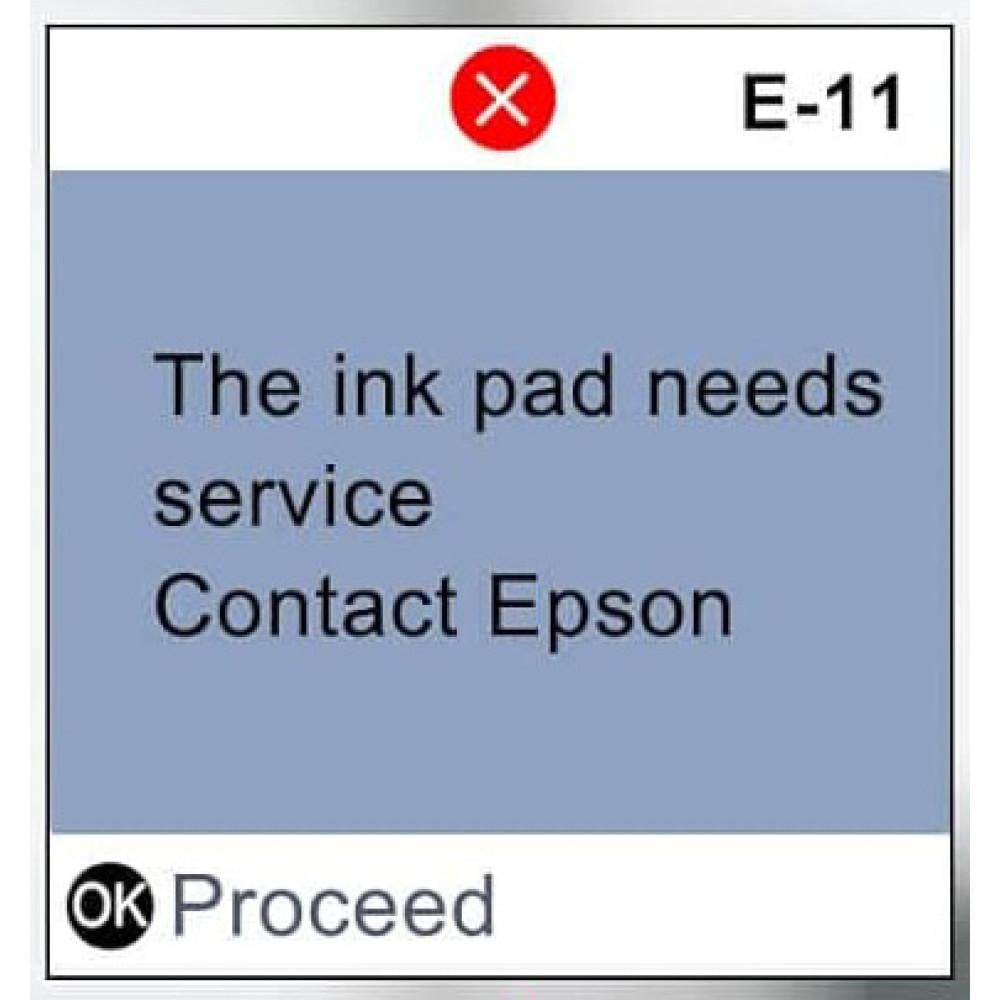
  • Has your printer stopped printing and displayed the message "The printer's ink absorbent pad has reached the end of its service life. Please contact EPSON Support"?
  • Does this indicate that the ink bulb in your printer needs replacing?
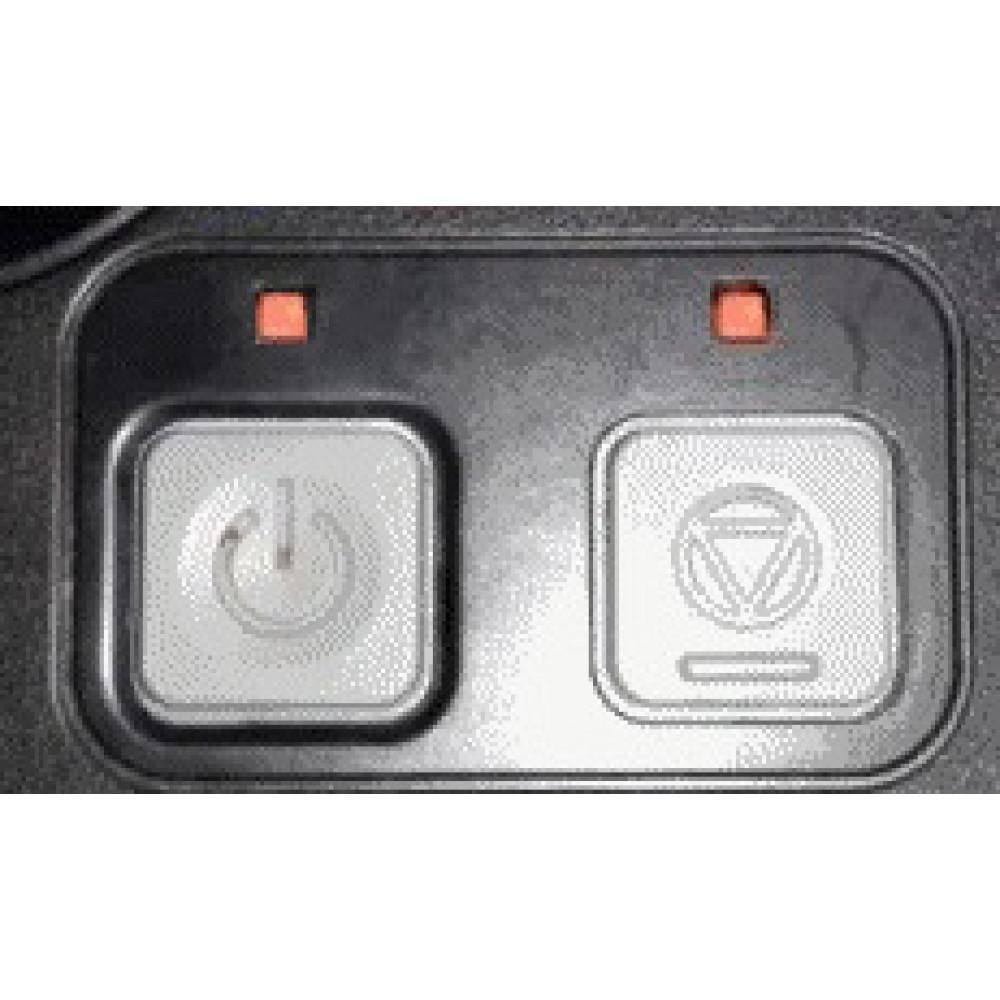
  • Do you have an email message on the display and are the lights flashing?
  • Are you being asked to take your printer to an EPSON service center?
  • Don't buy a new printer! Don't take your printer to a service center because you only need to reset the ink waste counter inside the printer, and it will work perfectly again! The WIC tool will reset the ink waste counter on your EPSON INKJET printer, which is preventing you from printing.
  • If you weren't already aware, EPSON has built a system into its printers where the printer will stop working and prompt you to contact EPSON support to get it working again. They don't need servicing; they simply need resetting. WIC eliminates the need to take your printer to a service center, as you can now do it yourself in just two clicks!
  • It's easy to use and comes with complete instructions and excellent after-sales support.
  • If your printer doesn't work again, we'll refund your money!


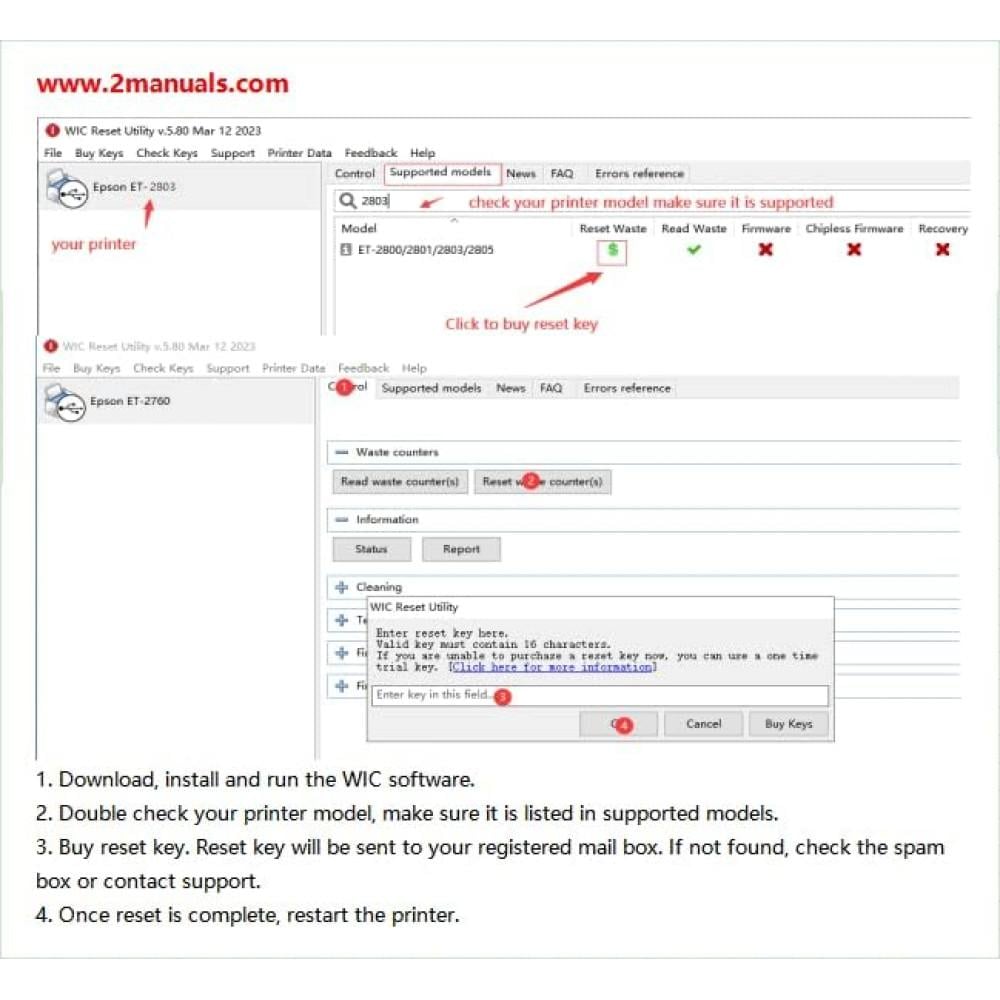
Resetting is incredibly simple:

  • Run the program in your Windows operating system and click the RESET button.
  • Enter the reset key and click OK.
  • You will be prompted to turn the printer off and then on again—that's it!


Download WIC Reset Utility


https://www.wic.support/download/


The WIC Reset Utility can:

  • Check the current value of the waste ink counter (free)
  • Reset the waste ink counter (requires a reset key - purchase here)
  • Reset ink levels for L100, L200, and L800 printers (free)
  • Clean the printhead (free)
  • Recharge ink (free)
  • Read and write the serial number (free)
  • Read and write the USB ID (free)
  • Read and write the printhead ID (free)
  • Backup and dump the EEPROM (free)
  • Test paper feed (free)
  • Check the nozzle (free)
  • Check the color pattern (free)
  • Initialize (disable) PF degradation offset (free)
  • Retrieve device information (free)
  • You are not only buying this item, but also a reset key and our excellent after-sales support in case of any issues


Read more
Sold Out 61 Time
Sku
101052

12.26 USD

Add to cart

After successfully completing your purchase, go to the "My Orders" section of your account on the website and find the order number. Upon accessing the order details, you will find the "Reset Code" within the order.


Important Note: After resetting the printer, it is recommended to replace the ink absorbent pad to prevent ink leakage from the waste bin inside the printer.


Description

  • WIC Ink Waste Counter Reset Utility for Epson Printers
  • Has your printer stopped printing and displayed the message "The printer's ink absorbent pad has reached the end of its service life. Please contact EPSON Support"?
  • Does this indicate that the ink bulb in your printer needs replacing?
  • Do you have an email message on the display and are the lights flashing?
  • Are you being asked to take your printer to an EPSON service center?
  • Don't buy a new printer! Don't take your printer to a service center because you only need to reset the ink waste counter inside the printer, and it will work perfectly again! The WIC tool will reset the ink waste counter on your EPSON INKJET printer, which is preventing you from printing.
  • If you weren't already aware, EPSON has built a system into its printers where the printer will stop working and prompt you to contact EPSON support to get it working again. They don't need servicing; they simply need resetting. WIC eliminates the need to take your printer to a service center, as you can now do it yourself in just two clicks!
  • It's easy to use and comes with complete instructions and excellent after-sales support.
  • If your printer doesn't work again, we'll refund your money!


Resetting is incredibly simple:

  • Run the program in your Windows operating system and click the RESET button.
  • Enter the reset key and click OK.
  • You will be prompted to turn the printer off and then on again—that's it!


Download WIC Reset Utility


https://www.wic.support/download/


The WIC Reset Utility can:

  • Check the current value of the waste ink counter (free)
  • Reset the waste ink counter (requires a reset key - purchase here)
  • Reset ink levels for L100, L200, and L800 printers (free)
  • Clean the printhead (free)
  • Recharge ink (free)
  • Read and write the serial number (free)
  • Read and write the USB ID (free)
  • Read and write the printhead ID (free)
  • Backup and dump the EEPROM (free)
  • Test paper feed (free)
  • Check the nozzle (free)
  • Check the color pattern (free)
  • Initialize (disable) PF degradation offset (free)
  • Retrieve device information (free)
  • You are not only buying this item, but also a reset key and our excellent after-sales support in case of any issues