

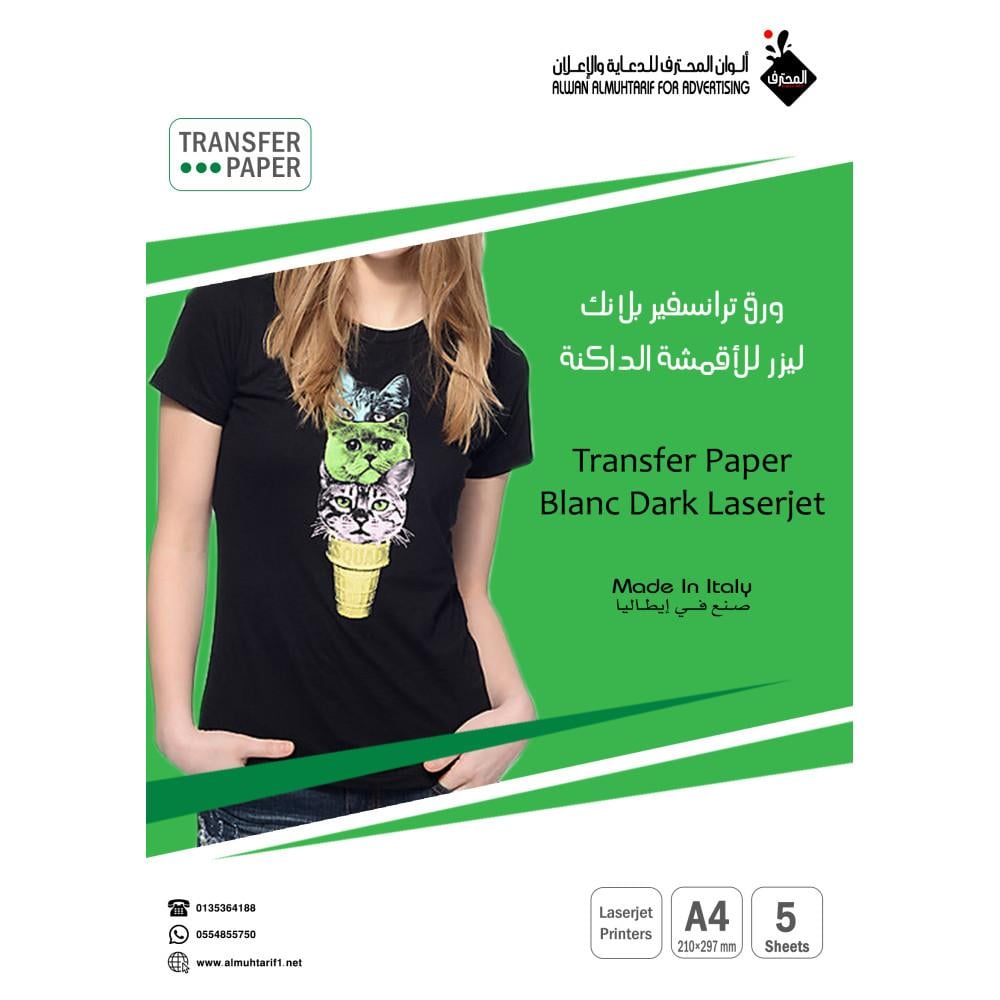

Laser Transfer Blank Paper for Dark Fabrics
Laser transfer blank paper is used for printing on black and dark fabrics using laser printers. It is compatible with many fabrics, has a smooth texture, and is durable and wash-resistant. It offers high-quality printing and smooth, easy removal.
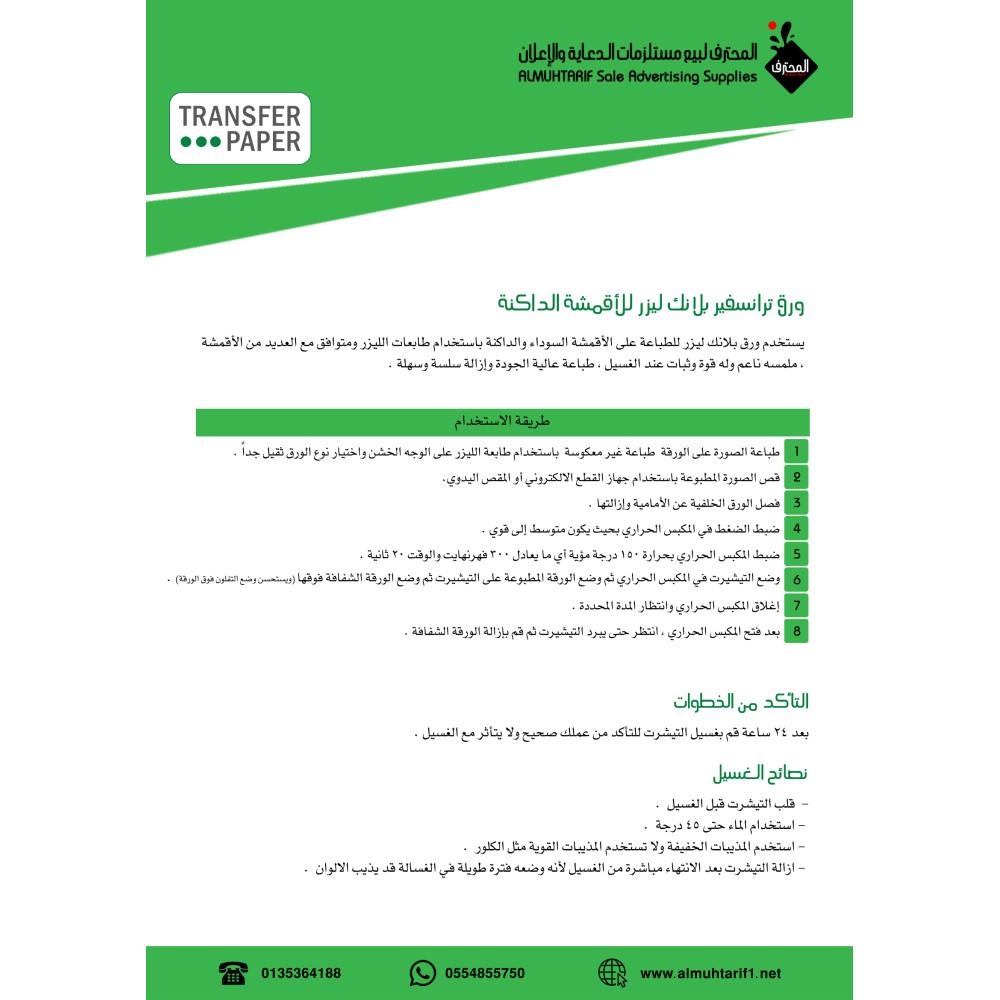
How to Use
- Print the image on the paper using a laser printer on the rough side (extra heavy paper).
- Cut the printed image using an electronic cutter or hand scissors.
- Separate the backing paper from the front and remove it.
- Adjust the pressure on the heat press to medium to high.
- Set the heat press to 150°C (300°F) for 20 seconds.
- Place the T-shirt in the heat press, then place the printed paper on top of the T-shirt, and finally place the transfer blank over it (it is recommended to place Teflon over the transfer blank).
- Close the heat press and wait the specified time.
- After opening the heat press, wait for the T-shirt to cool, then remove the transfer blank.
Checking the Steps
After 24 hours, wash the t-shirt to ensure your work was done correctly and that the colors weren't affected by washing.
Washing Tips
- Turn the t-shirt inside out before washing.
- Use water up to 45 degrees Celsius.
- Use mild solvents and avoid strong solvents like bleach.
- Remove the t-shirt immediately after washing, as leaving it in the washing machine for an extended period may cause the colors to fade.